Holiday Management

A holiday calendar your whole team actually sees.

Plan a clear, beautiful holiday calendar for your organization, mark national and company holidays, and automatically notify your members so no one misses an announcement again.
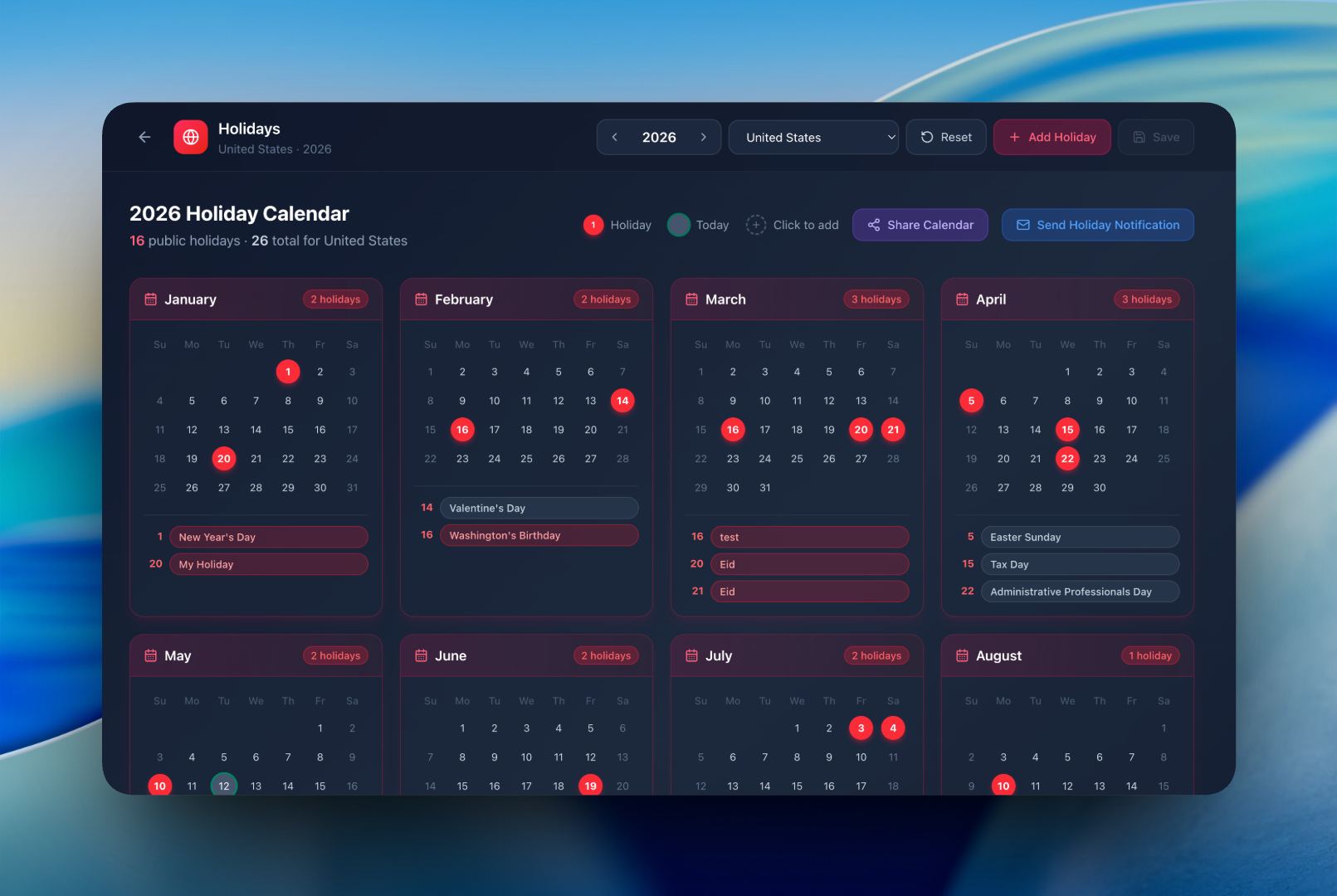
Holiday calendar overview
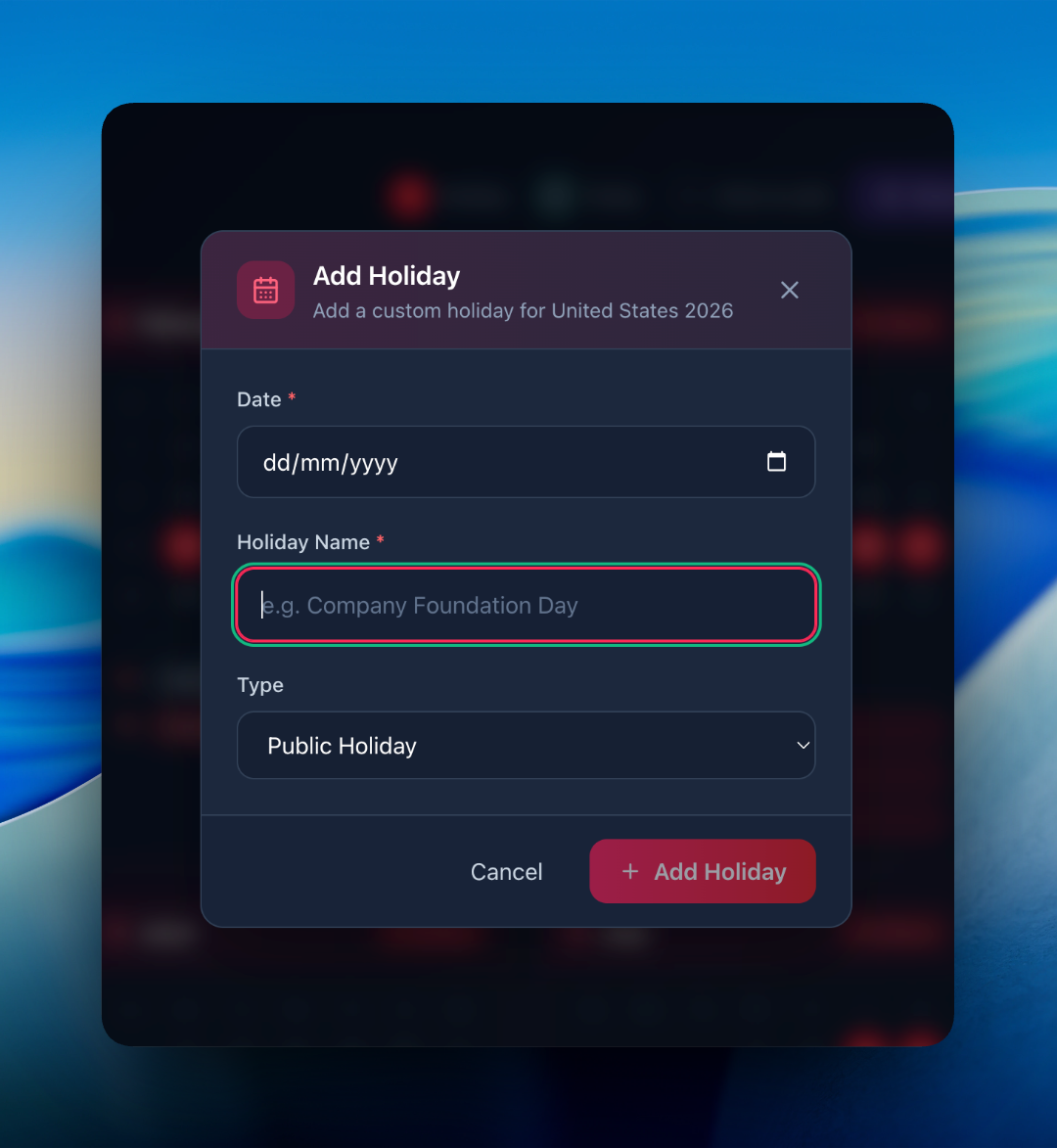
Holiday list
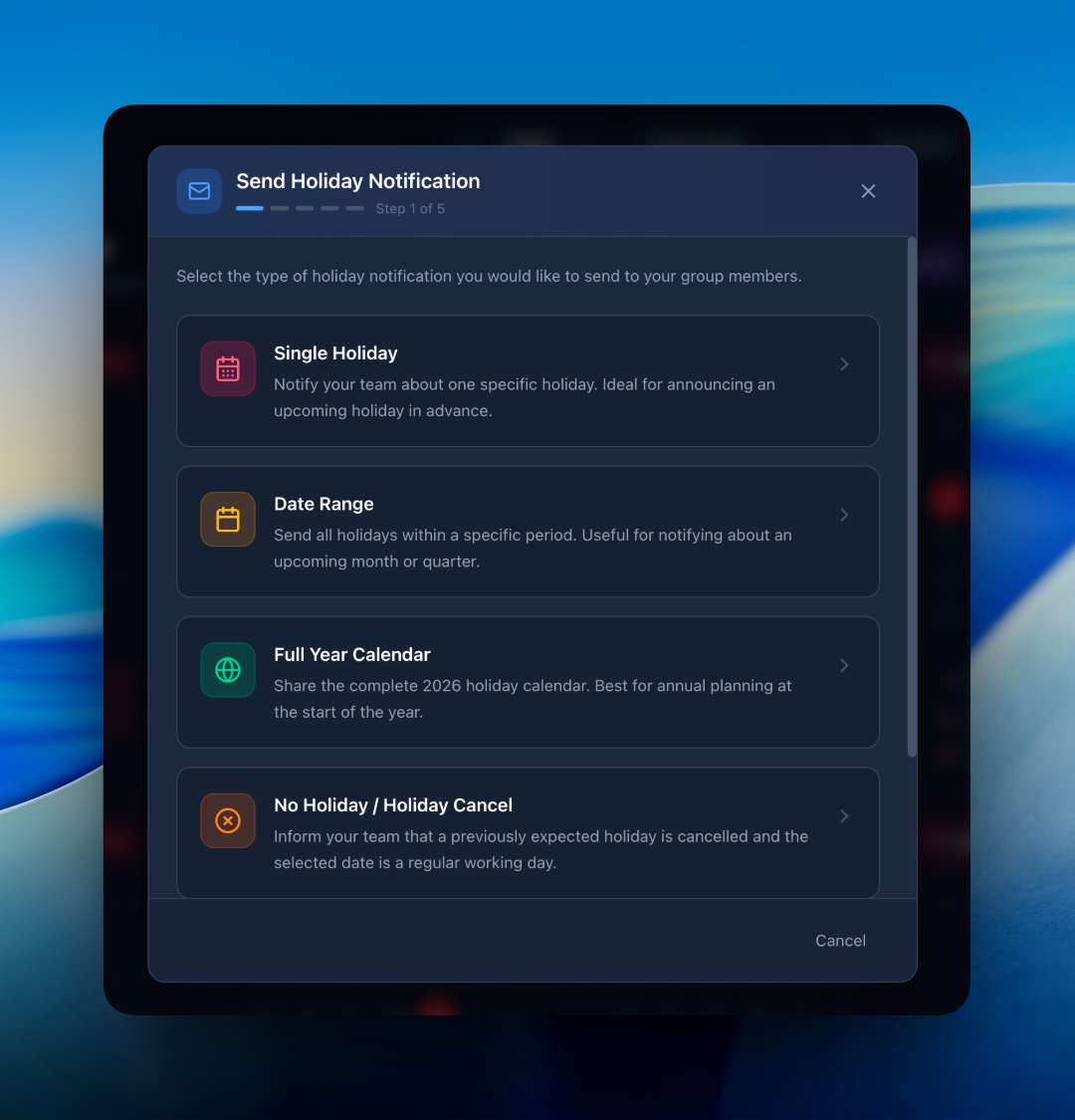
Holiday notifications
Designed for teams

Everything you need to manage holidays

Beautiful holiday calendar

A clean, year-at-a-glance calendar showing every company holiday, optional day, and weekend.

Automatic notifications

Members get notified about upcoming holidays so they can plan ahead — no manual reminders needed.

Recurring holidays

Set yearly-recurring holidays once and forget — they'll appear in every future calendar automatically.

Linked to attendance

Holidays are automatically excluded from attendance reports and salary calculations — clean and accurate.

Per-group calendars

Different teams or branches can have their own holiday calendar — perfect for multi-location organizations.

Custom holiday types

Mark holidays as paid, unpaid, optional, or restricted — all reflected accurately in payroll.

How it works

Three steps to a synced calendar

1

Add your holidays

Bulk import national holidays or add your own company holidays with one click.

2

Notify your members

Choose which holidays to broadcast — members get an instant in-app and email notification.

3

Sit back, plan ahead

Holidays auto-apply across attendance, leaves and payroll — no double bookkeeping.

FAQ

Holiday management questions

Yes. When you add a holiday, you can broadcast it to all relevant members instantly — they receive in-app and email notifications.
Holidays are automatically excluded from absent counts and considered paid days — your salary calculation reflects them correctly.
Yes — each group can have its own holiday list, perfect for multi-region or multi-branch organizations.

Get your team on the same calendar

Free plan supports up to 10 members. No credit card required.

Start Free