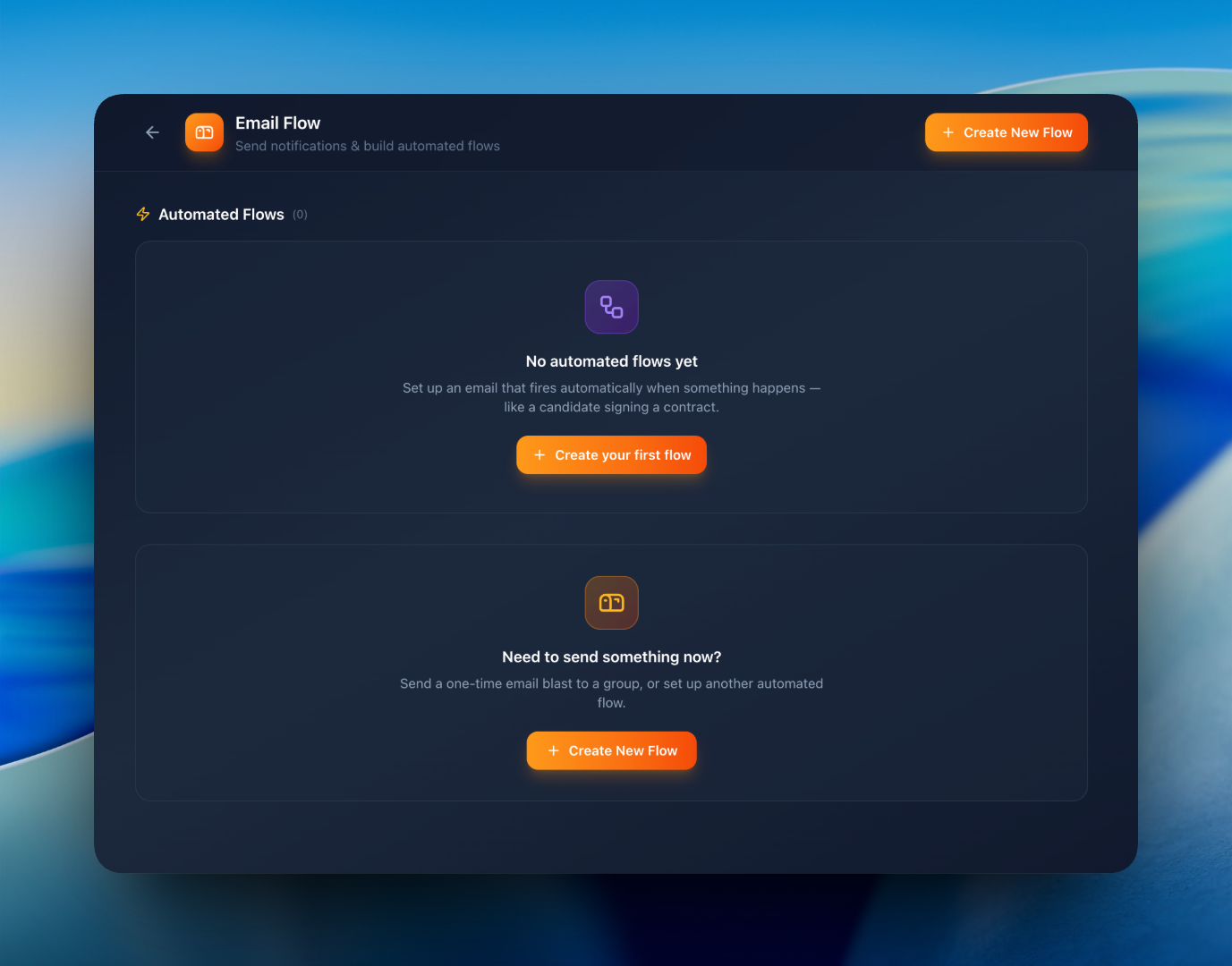
Email Flow & Automation

The right email at the right moment. Automatically.

Build smart email flows that fire when something happens — a contract is signed, a leave is approved, a member joins. Or send one-off emails to anyone in your team. All from one elegant editor.
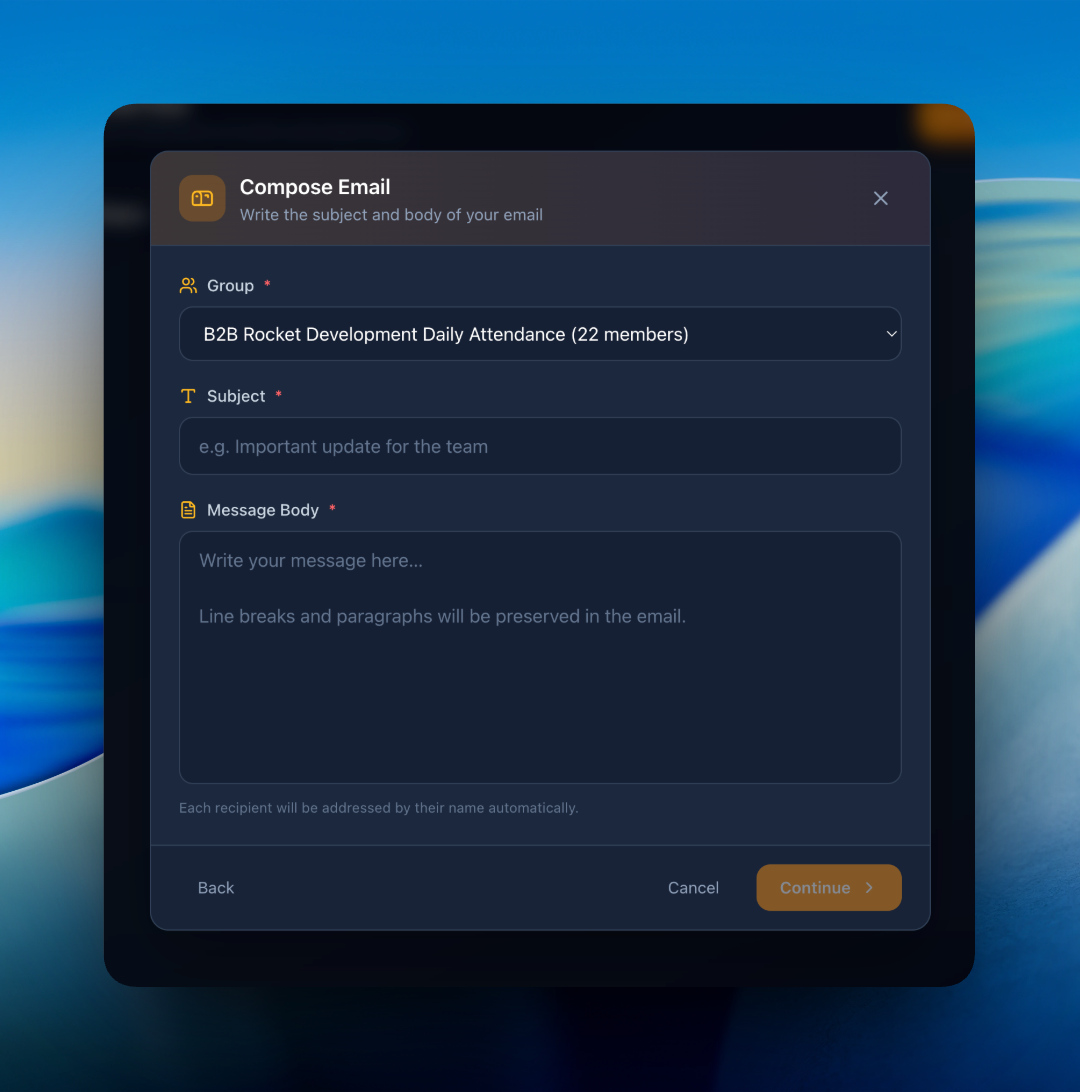
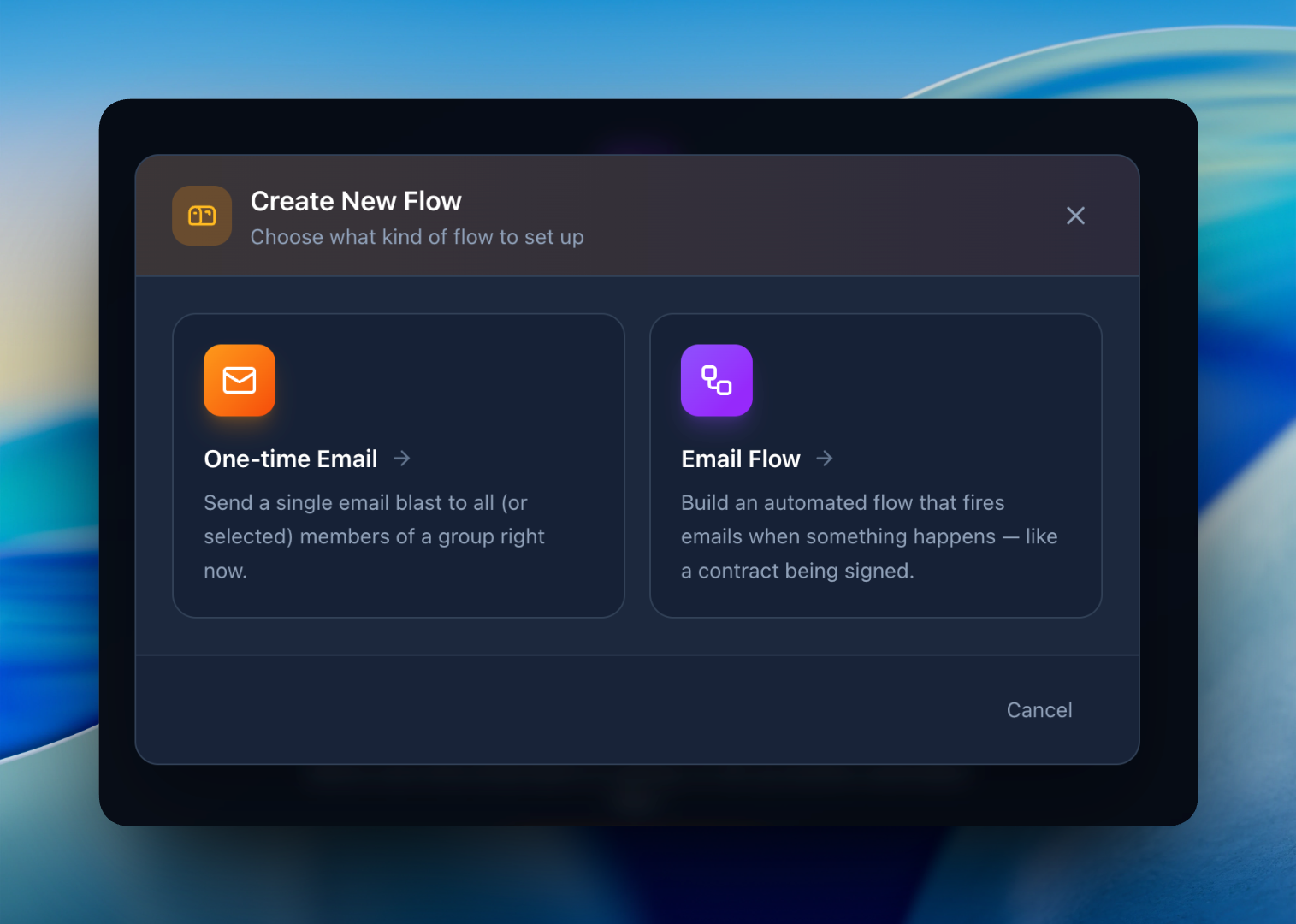
Email flow editor
Email automation triggers
Built for action

Email automation, made delightful

Trigger-based flows

Send the right email when a contract is signed, a member joins or a leave is approved — no manual work.

Beautiful templates

Pre-designed responsive templates for every use case — drag, drop and customize without touching code.

One-off broadcasts

Need to email everyone about a holiday or policy change? Compose once, send to a whole group instantly.

Personalization

Insert member-specific variables like name, join date, designation or salary — clean, dynamic emails.

Delivery analytics

See open rates, bounces and delivery times for every flow you run — improve over time.

Integrated with everything

Wired into contracts, leaves and members — no glue code needed.

How it works

From idea to inbox in minutes

1

Pick a trigger

"When a contract is signed", "When a member joins", "Every Friday" — choose from a friendly list.

2

Design the email

Use a template or create one. Add personal variables. Preview, then save.

3

Set live

Activate the flow — every time the trigger happens, your email sends automatically.

FAQ

Email automation questions

Yes — the "Contract signed" trigger fires immediately and can deliver onboarding info, welcome notes or next-step instructions.
Absolutely. Compose a one-time email, pick recipients (a member, group, or everyone), and send right away.
Yes — drop in variables for name, designation, salary, join date and more. Each email is rendered uniquely per recipient.

Automate the emails you keep retyping

Save hours every week. Free plan supports up to 10 members.

Start Free